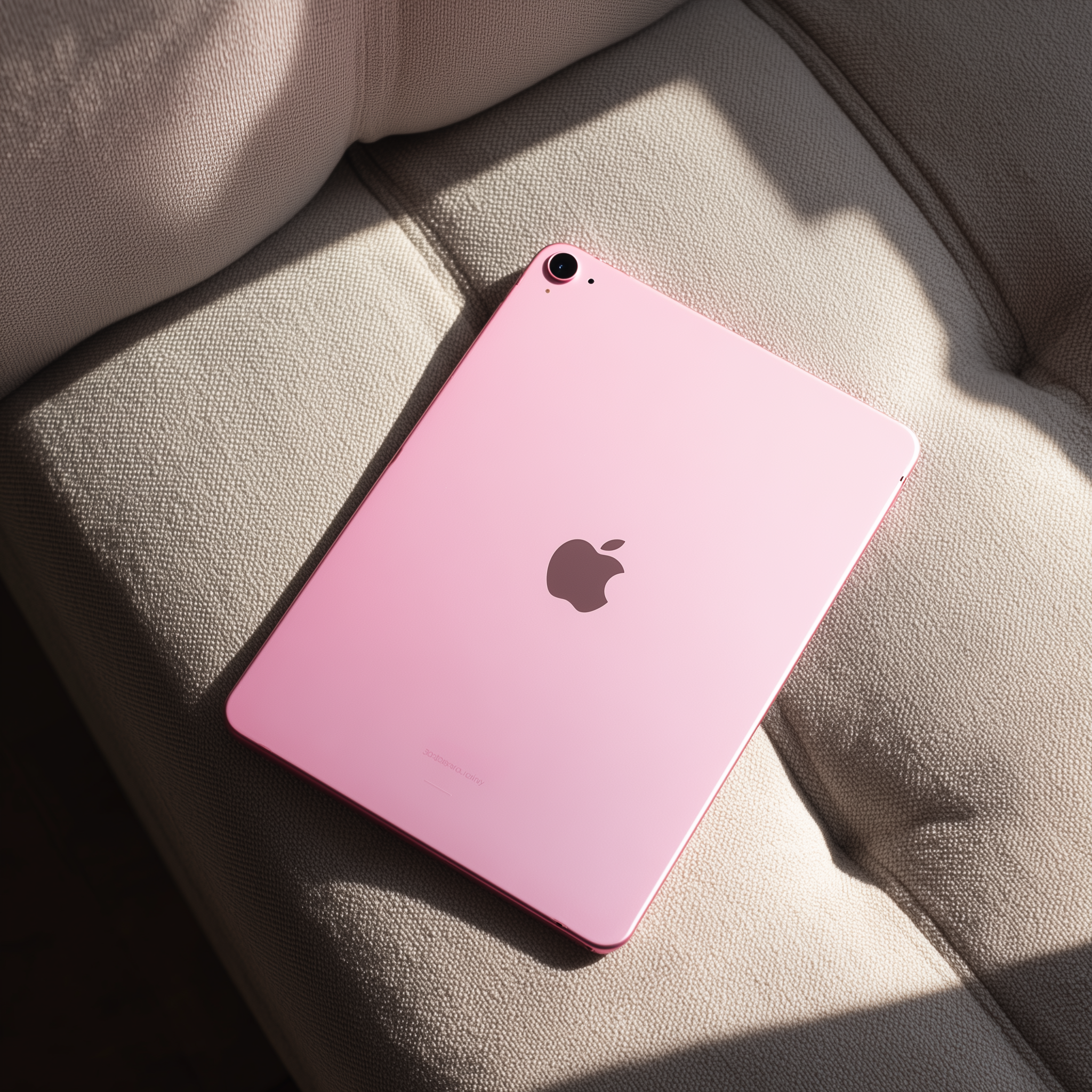

If you’ve been struggling to stay organized, juggling too many tasks, or feeling like your days blur together, you’re not alone and digital planning might be exactly what you need.
More people than ever are switching from traditional paper planners to digital planners because they’re easier to use, more customizable, and way more efficient for keeping track of daily life. Whether you’re managing your schedule, building better habits, tracking your wellness goals, or just trying to get your life in order, this beginner-friendly guide will walk you through everything step by step.
This post covers everything from what a digital planner is, to how to start using one, plus the top tips that help beginners stay consistent.
What Is Digital Planning?
Digital planning is the modern way to organize your life using a tablet (like an iPad) and a note-taking app such as GoodNotes, Notability, ZoomNotes, or Samsung Notes.
A digital planner is a downloadable, hyperlinked PDF that works just like a paper planner but with unlimited pages and endless customization.
You can:
- Handwrite or type your notes
- Add stickers and widgets
- Duplicate your favorite pages
- Tap through linked tabs for easy navigation
- Track everything from routines to workouts to meal plans
It’s planning… but smarter, cleaner, and way more flexible.
Why Digital Planning Works for Everyday Life
Digital planning isn’t just cute aesthetics — it actually helps you stay organized and reduces stress. Here’s why so many people love it:
1. Everything lives in one place
Your schedule, grocery lists, budget, notes, habits, and goals are all stored neatly in one digital planner.
2. No more wasted pages
Made a mistake? Erase it. Need more space? Duplicate the page. Want to change your layout? Replace it instantly.
3. It boosts motivation
Using a stylus, cute stickers, and aesthetic templates makes planning fun again — which makes you want to stay consistent.
4. It works for ANY lifestyle
Whether you’re a student, mom, creator, professional, or someone trying to build better daily routines, digital planning fits your life.
5. It saves money over time
No more buying new planners each year — your digital planner can be reused or updated whenever you want.
What You Need to Start Digital Planning
Starting is simple. You only need:
✔ A tablet
An iPad is the most popular, but any tablet works.
✔ A stylus
Apple Pencil, Logitech Crayon, or any compatible pen.
✔ A note-taking app
The most beginner-friendly options:
- GoodNotes 6
- Notability
- Samsung Notes
- ZoomNotes (advanced users)
✔ A digital planner PDF
Choose a planner that fits your goals daily planning, wellness, routines, productivity, etc.
Beginner Tutorial: How to Start Digital Planning
Here’s the simplest way to get started today:
Step 1: Download your digital planner
Save the PDF from your device, email, or website.
Step 2: Import the planner into GoodNotes (or your app of choice)
GoodNotes → New → Import → Select your planner.
Step 3: Explore the hyperlinked tabs
Most planners include pages like:
- Daily planning
- Weekly overview
- Monthly layouts
- Habit trackers
- Meal planning
- Routines
- Notes & lists
Take a few minutes to tap around.
Step 4: Start with one page
You don’t have to fill everything out at once. Begin with today’s page — schedule, priorities, reminders, and notes.
Step 5: Personalize it
Add digital stickers, color-coded highlighters, or handwriting styles that feel like you.
Step 6: Build a simple routine
Digital planning works best when you use it:
- In the morning to set your day
- At night to reflect and plan tomorrow
Just 5 minutes a day can change everything.
What You Can Use a Digital Planner For
Digital planners are incredibly versatile. You can use them for:
- Daily and weekly planning
- Habit tracking
- Meal prep & grocery lists
- Fitness & wellness routines
- Budget tracking
- Mood logs
- Cleaning schedules
- Reading journals
- Gratitude journaling
- Goal setting
- Travel planning
- Morning & night routines
- Memory keeping
- Vision boards
One planner can replace dozens of notebooks.
Tips for Digital Planning Beginners
⭐ Keep it simple
You don’t need to use every page. Start with the basics.
⭐ Use handwriting AND typing
Mix both styles depending on what feels natural.
⭐ Duplicate your favorite layouts
Once you find your rhythm, make that your default page.
⭐ Enjoy the aesthetic
Cute layouts increase consistency — and consistency builds results.
Is Digital Planning Right for You?
Digital planning is perfect if you want to:
- Get more organized
- Reduce stress and mental clutter
- Build better routines
- Stay consistent with habits
- Create a more peaceful, structured lifestyle
- Keep everything in one place
- Make planning fun and motivating
If you’ve tried staying organized before and nothing stuck, digital planning gives you the flexibility and creativity that most systems don’t.
Ready to Try Digital Planning?
Whether you’re starting fresh or just looking for a better way to stay on top of life, digital planning makes organizing your days easier, prettier, and more enjoyable.
Explore planners that fit your lifestyle and start building the routines, habits, and structure you’ve been craving. You’ll love the Digital Babe planners. They’re designed to make digital planning feel intuitive, inspiring, and fun… even if this is your very first time.
✨ Explore all digital planners at Digital Babe here
And take take the first step into a more organized, intentional life 💕